The document starts outside the PDF
An estimate, manual or catalogue can be valuable, but a lonely Download button does not explain what deserves someone’s time or mobile data. Treat each file as a small editorial product: who needs it, what it contains and when it was revised. If the main answer fits in a few sentences, keep that answer on the page and offer the document for depth. Readers should not need to open an attachment just to find a phone number or the next step in making an enquiry.
Give the link a useful file label
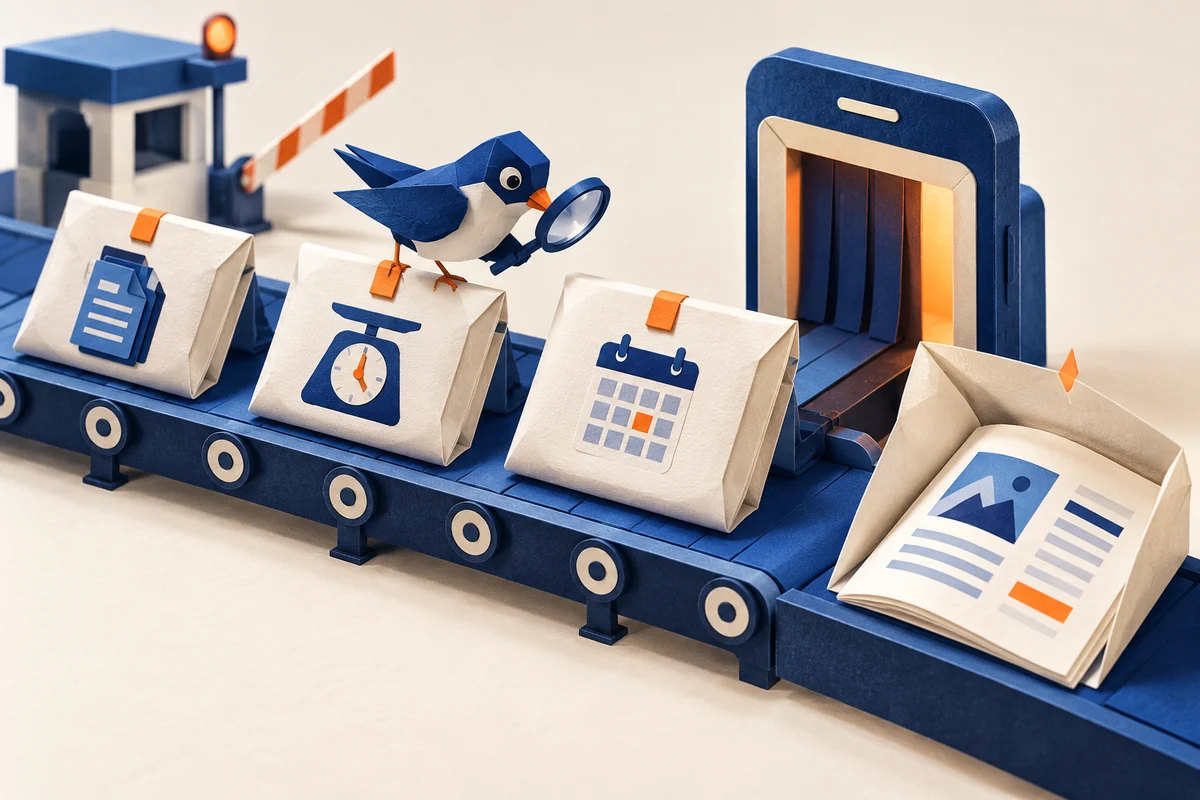
Our suggested file card combines a descriptive title, format, actual size and, where relevant, revision date. “Preparing for our meeting: materials checklist” tells a reader more than “Document 3”. Size and date must come from the actual file, not be invented to look professional. On a multilingual site, identify the attachment’s language separately: a translated page does not imply a translated PDF. Our article on descriptive links covers naming principles; a download also needs information about the document itself.
Do not promise identical browser behaviour
MDN explains that opening or saving a file can depend on the browser, user settings and server response. The download attribute is not a universal switch for arbitrary external links. Interface wording should therefore describe tested behaviour rather than the author’s intention. If a link deliberately opens a new tab, tell readers beforehand. An icon may reinforce that explanation, but it should not be the only distinction between a file and an ordinary web page.
Check again after replacing the file
Follow the link on a phone and a computer. Check the saved filename, document contents and description together. Make sure the text is genuinely readable rather than merely a photograph of a page. After a revision, reconcile file size, language and date on the website, removing contradictory “updated” labels. Opening successfully does not make an entire document accessible: structure, reading order and image alternatives require their own review. Our editorial test is simple: people should understand what they will receive before clicking, and receive precisely that afterward.