VIP STUDIO MICHAEL & Di
Journal
Practical web design, content and digital development
 01 / 23.10.2026
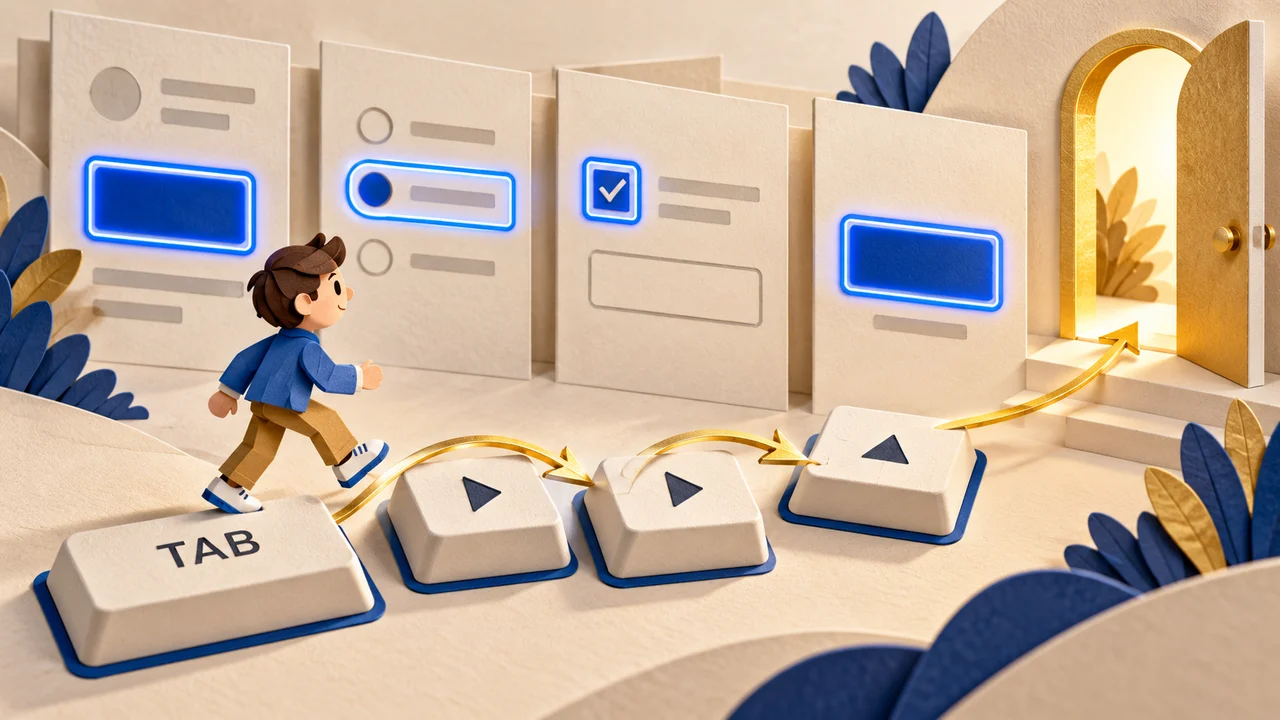
Menus without a mouse: keyboard navigation and visible focus
Make website menus understandable without a mouse through logical navigation, visible focus, deliberate submenu controls, and a practical test.
 02 / 23.10.2026
Link previews: align the title, description, and cover
A practical workflow for link previews: write for each context, choose an article-specific cover, check mobile cropping, and record what you actually verified.
 03 / 23.10.2026
Form errors should help: from a red border to a clear next step
How to write useful form feedback: identify the field, explain recovery, consider accessibility and report submission outcomes honestly.
 04 / 23.10.2026
Our Pride
Trophies, symbols and principles at MICHAEL & Di: founder-supplied images and a conversation about quality in practice.
 05 / 23.10.2026
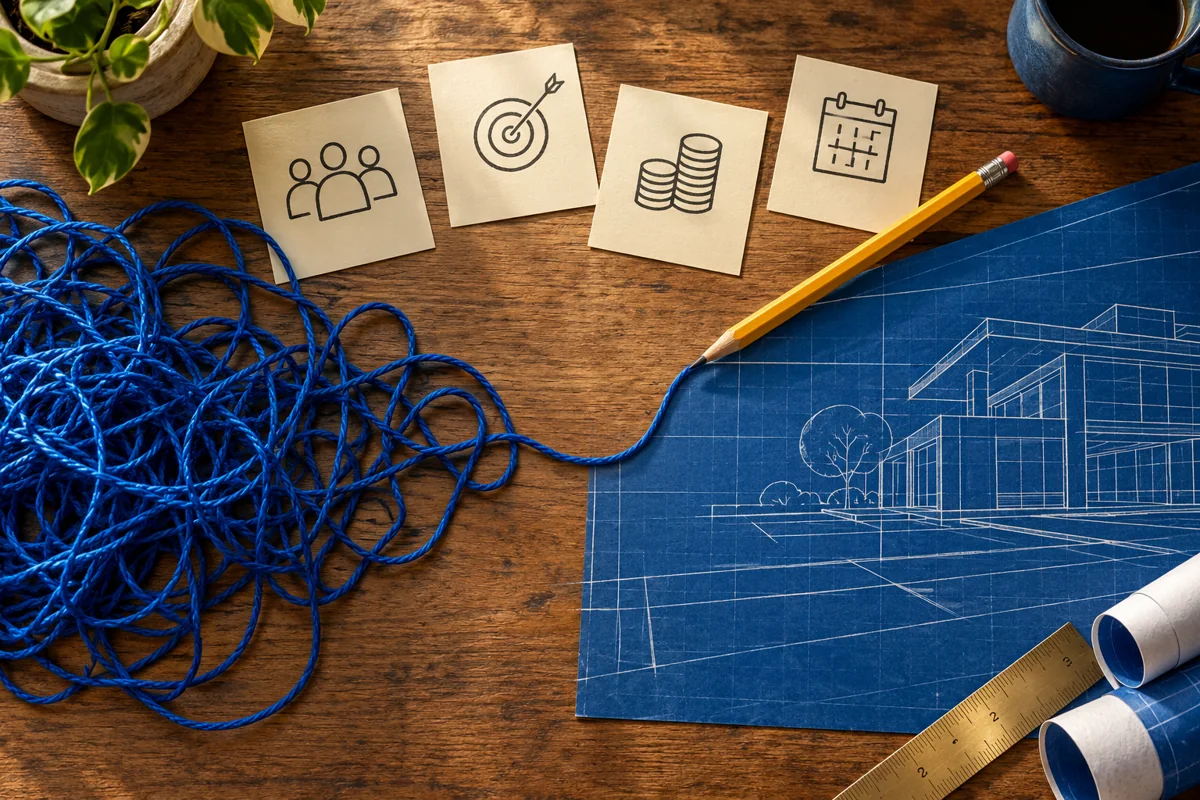
The brief before the design: turning an idea into a clear task
A practical approach to the first website discussion: goals, audiences, materials, constraints and acceptance criteria.
 06 / 23.10.2026
Website structure: from the first question to an enquiry
How to organise pages and navigation around clients’ questions rather than the company’s internal structure.
 07 / 23.10.2026
Mobile typography: making a website comfortable to read
Text size, contrast, wrapping and forms: checks that turn a visual design into a readable interface.
 08 / 23.10.2026
An honest portfolio: what a good case study should show
How to present work credibly: the task, constraints, decisions, team responsibilities and verified outcomes.
 09 / 23.10.2026
Images and speed: keeping visual quality without unnecessary weight
A practical workflow for photographs: dimensions, file variants, loading behaviour and quality checks.
 10 / 23.10.2026
Technical SEO: what to check before opening a website
Indexing, URLs, redirects and operational settings: the foundation that helps important content remain discoverable.
 11 / 23.10.2026
Content SEO: pages that answer real questions
How to plan search content without repetitive keywords or empty pages.
 12 / 23.10.2026
A Google Ads landing page: continue the advertisement’s promise
How to align an advertisement, its destination and an enquiry form before spending on traffic.
 13 / 23.10.2026
Analytics and consent: measure what matters, respect choice
How to define events, verify enquiries and align tag behaviour with visitors’ choices.
 14 / 23.10.2026
After launch: keeping a website in working order
Forms, content updates, backups and responsibility: a practical plan for the website’s life after publication.