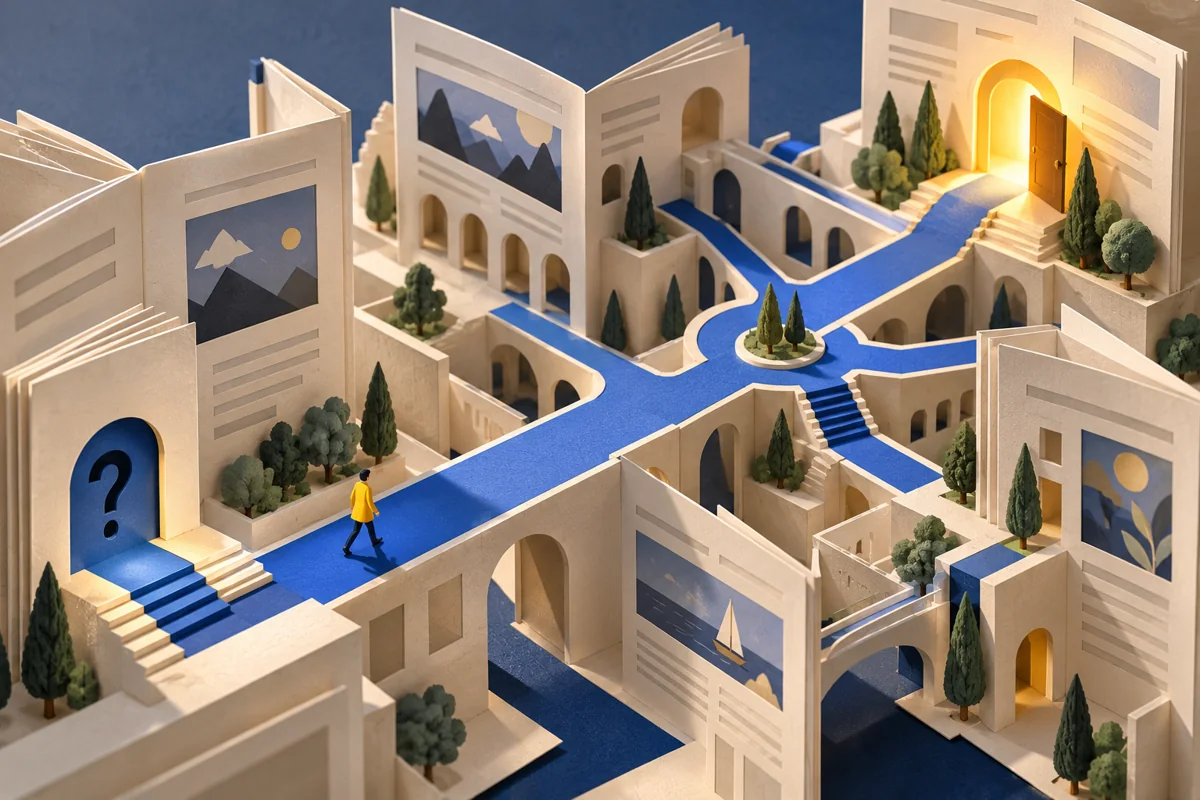
Website menus often mirror company organisation: departments, business divisions and internal product names. Visitors, however, are not obliged to know how your work is organised. They arrive with their own questions. It is therefore useful to design a structure as a sequence of answers: what you offer, who it suits, how the work happens, why someone can trust you and what they should do next. Visual composition should support that sequence, not conceal it.
Start with three scenarios
Choose three realistic situations. A new visitor wants to understand your specialism. Someone arriving through a recommendation wants examples of your work. A potential client clicking an advertisement wants to discuss a particular service. For each situation, record the entry point, necessary information and next action. If every route begins with a lengthy brand history, the structure serves its author rather than its reader. Important pages should not require unnecessary intermediate steps.
Separate different intentions
One page does not always need to sell every service. Corporate website development, maintenance and advertising support may require different explanations and evidence. A separate page is justified when it has its own audience, substance and decision. Several nearly identical pages with just one word changed, however, add complexity. Before adding a section, express its benefit in one sentence. If that proves difficult, a section on an existing page may be enough.
Give each section a purpose
A service page might follow this sequence: a concise statement of its subject, use cases, scope, process, verified examples, answers to questions and contact details. This is not a universal template to copy without thought. For a complicated service, the process may matter more than a gallery; for visual work, examples may belong earlier. Remove sections that merely repeat earlier points in different words, and check whether any important conditions are missing.
Make link labels understandable
“Services,” “Work” and “Contact” are often more helpful than mysterious creative phrases. A text link should explain where it leads. “Explore our development process” communicates more than several identical “Read more” links. W3C recommends organising page structure and headings logically. This supports orientation both visually and for people using assistive technologies. A heading’s appearance should not substitute for its semantic role in the document.
Test the map before the design
Ask someone outside the project to find a relevant service, the terms of working together and a way to get in touch. Do not guide them. Note where they hesitate, then refine labels or pathways. A simple prototype is sufficient for this exercise. A structural mistake is easier to correct before pages are filled with elaborate animation and final visual design.
Good structure does not force people to read everything. It lets them quickly find the level of explanation they need at that moment. The website then feels simple even when the service behind it is complex.