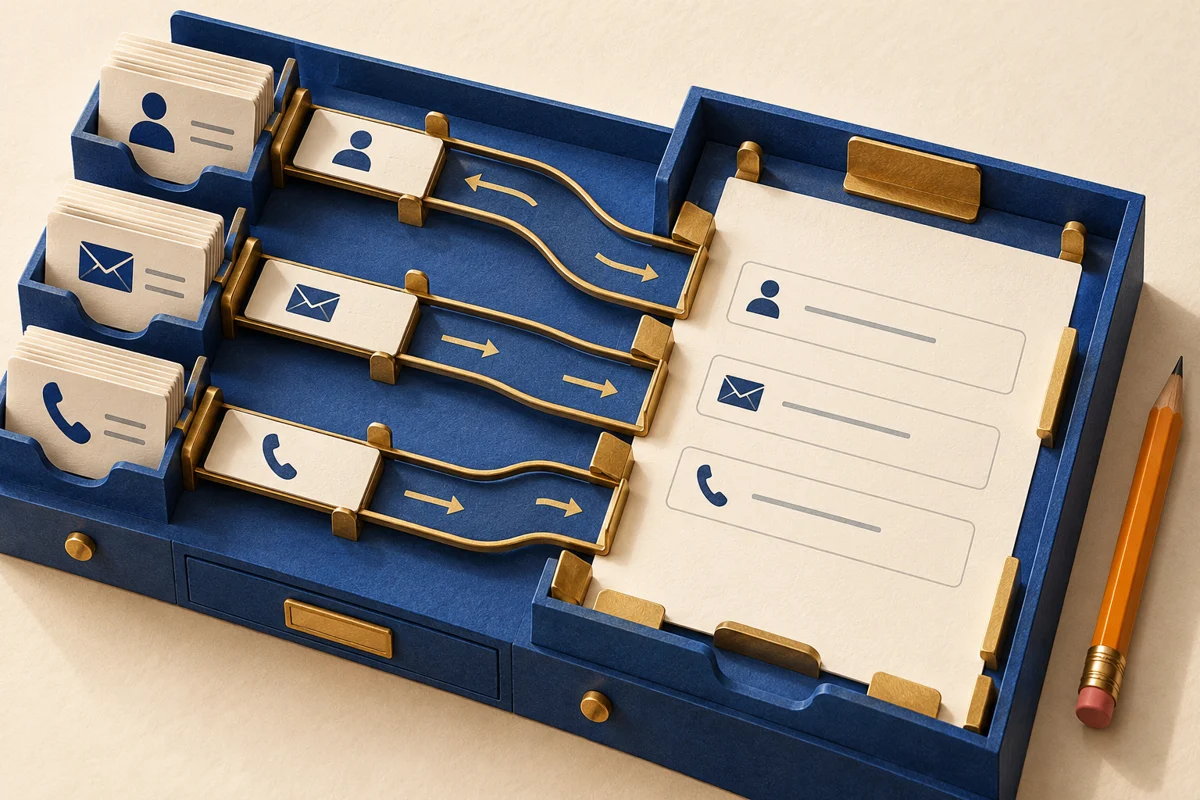
Ask for less before improving the fields
A contact request often needs a reply channel and a short question, not a complete personal profile. For each field, write down why it is needed and who uses the answer. Remove fields without a clear purpose and mark optional ones. Explain why confidential details should not go in a general message box. These are design recommendations, not a description of a particular live studio form.
Give the field a visible name
Keep a clear, persistent label. Placeholder examples disappear during typing and should not be the only explanation. The label must be associated with its control in code, not merely placed nearby. Explain a necessary format before submission. Do not split a person’s name into several compulsory pieces unless the task genuinely requires it.
Type, purpose and keyboard are different
An HTML input type describes a broad category; autocomplete tokens describe the expected purpose. A visitor’s email field can combine the email type with autocomplete="email", and a telephone field can use tel. The inputmode attribute suggests a virtual keyboard but does not validate data. A phone number or identifier is not a quantity for arithmetic: choosing a number field merely because it contains digits can make leading zeros and plus signs awkward.
Autofill is assistance, not a promise
Recognized autocomplete tokens help browsers and assistive software identify common personal-data fields. W3C’s Identify Input Purpose criterion has a specific scope: listed purposes collecting information about the user, where the technology supports identifying them. It is not a blanket rule for every field. Whether suggestions actually appear depends on the browser, settings and saved information. Let people review and correct a suggestion; filling a field should not silently submit the form.
Test the values people actually bring
Try typing, pasting and autofill, an international telephone number, a long name, a non-Latin script and an empty optional field. Use test data rather than real customers’ contacts in screenshots. Check labels, focus and error instructions, including whether values survive a recoverable error. Inspecting markup alone does not establish how a real phone keyboard or a particular browser behaves.
Keep a small acceptance record
Record each field’s purpose, label, type, applicable autocomplete value, requiredness and tested browsers. Combine this check with helpful form errors and visible keyboard focus. Repeat it after translation or a form-provider change. The record guides maintenance; it is neither an accessibility certificate nor a promise of enquiries or sales.