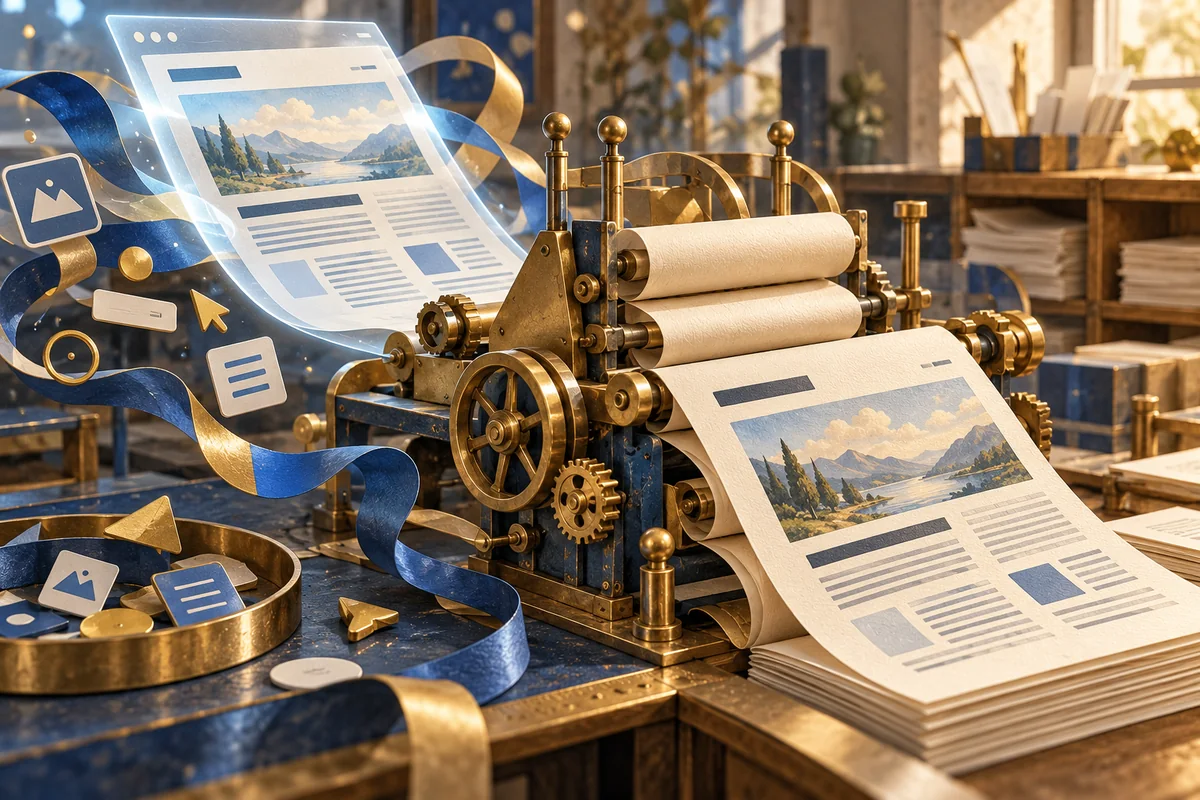
A visitor finds a useful page, prints it for a meeting, and discovers that the second half of the comparison is missing. The website looked convincing on screen. On paper, however, its sticky menu covers a heading and a dark background consumes the page. Printing is a separate reading situation, not simply a screenshot with a printer attached.
Start with what the reader needs to take away
A service description, a shortlist and an editorial article have different purposes. Before adjusting styles, identify the material that must remain understandable away from the browser: the subject, essential details, relevant images and a way to return to the source. A print version should not quietly omit a condition that changes the meaning of an offer.
There is no need to reproduce every animated flourish or navigation control. Removing those elements can create room for the actual content. The test is editorial: would someone who never saw the website understand what this document is about?
Use the same content, with a different presentation
CSS print styles can adapt a page for paper or PDF without maintaining a separate copy of its text. MDN describes the print media type for this purpose. A shared content source reduces the chance that the web page is corrected while an old printable version remains unchanged.
Our starting point is a simple layout with readable text, modest margins and clear headings. A decorative background should not be the only thing separating important sections. Meaning should remain visible when the browser omits backgrounds or the reader chooses monochrome output.
Keep related information together, but allow long content to flow
A picture separated from its explanation can become ambiguous. A table heading without the corresponding values is equally unhelpful. The CSS break-inside property influences breaks within an element, but a rule is not a substitute for reviewing the result. A large block still has to fit the available page.
Check short and long examples. Do not squeeze an entire comparison into unreadably small type merely to avoid another sheet. The same reasoning behind a usable comparison on a small screen applies here: preserve relationships between labels and values before preserving a particular visual arrangement.
Leave a route back to the current page
Paper cannot perform a link click. Where it matters, include a readable source address rather than an unexplained “learn more.” A sensible page title and a short source line help the reader identify the document later. If information changes frequently, explain its context rather than implying that a printed copy will remain current forever.
Do not automatically expose every technical URL, tracking parameter or personal detail. A print version is often passed to someone else. Select the information intentionally, especially for pages containing forms or visitor-entered data.
Review the output, not only the stylesheet
Open print preview and inspect the first, middle and final pages. Look for clipped columns, isolated headings, oversized logos, missing images and unnecessary blank sheets. Try the paper sizes and browser settings that are relevant to the audience. A PDF saved from one browser is useful evidence, not proof of identical output on every device.
This is part of ongoing website care: revisit the print result when content or layout changes. The goal is not to make paper imitate the screen. It is to let the same information remain useful in another setting.